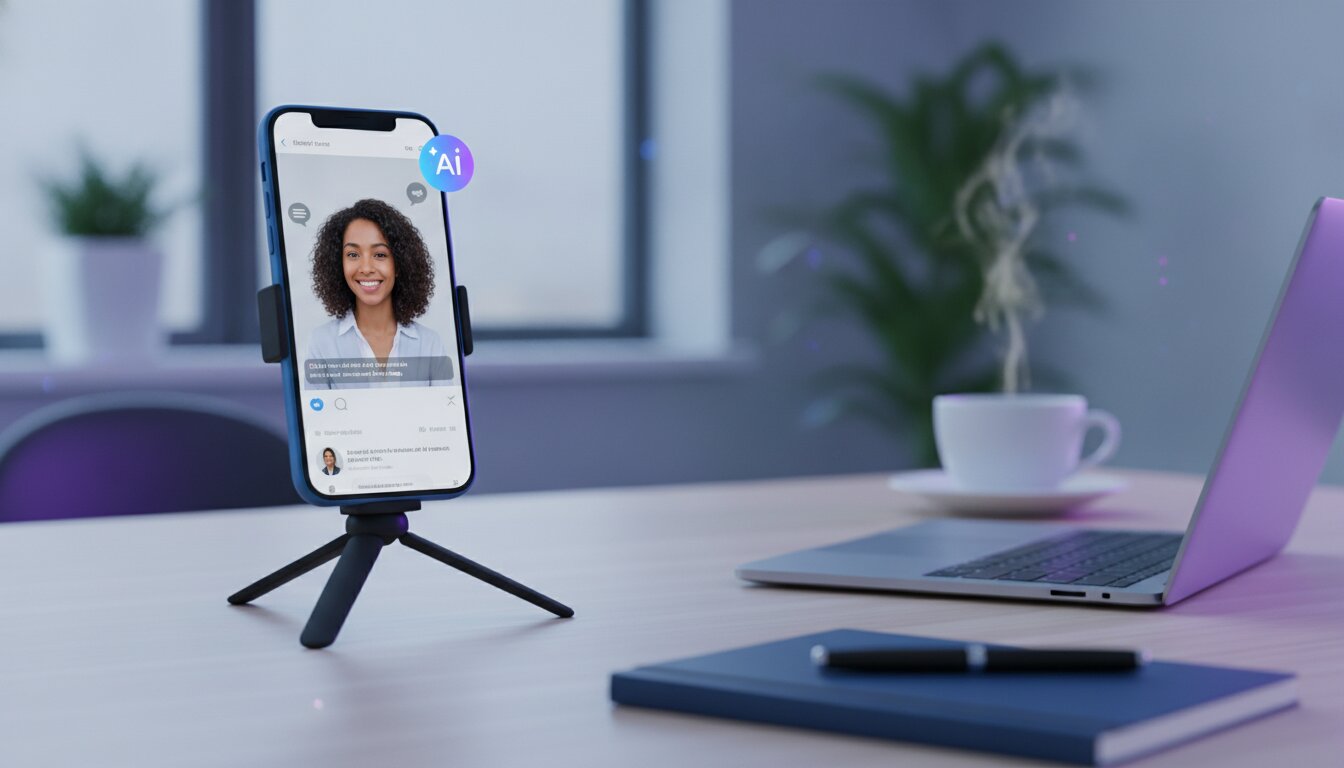
If your video ads still look like ads, you're losing to creators who don't even own a camera. The best-performing Facebook, TikTok, and Instagram ads right now are UGC-style videos — a real-looking person talking straight into a phone camera — and most of them were never filmed at all. They were generated with AI. This guide walks through exactly how that workflow works, including where Viral Buddy's Avatar Studio fits in so you can skip the parts that used to take a week.
Why UGC-Style Ads Are Outperforming Polished Brand Ads
Scroll through any high-performing ad feed in 2026 and you'll notice a pattern: the ads that stop the scroll rarely look like ads. They look like a real person sharing an honest reaction to a product. That's the power of user-generated content (UGC) style advertising — it borrows the trust of organic content and applies it to paid media.
The problem has always been production. Booking real creators, coordinating filming, writing scripts, and paying per-video fees made UGC ads slow and expensive to test at scale. AI has removed that bottleneck.
How AI-Generated UGC Ads Actually Work
Modern AI UGC tools combine three pieces of technology that used to require a full production team:
- AI actors/presenters — realistic on-camera talent generated for commercial use in tools like Avatar Studio, so you're not filming anyone in real life.
- Script-to-video generation — you write (or generate with Copy Studio) a short hook-driven script, and the model handles delivery, lip-sync, and pacing.
- Scene and product integration — your product shots, screen recordings, or B-roll get stitched in automatically around the talking segments.
The result is a finished, platform-ready video ad in minutes instead of days, and you can produce dozens of variations to test hooks, angles, and offers without re-booking a single creator.
A Step-by-Step Workflow for Your First AI UGC Ad
- Start with the hook. The first 1-2 seconds decide whether someone keeps watching. Write 3-5 hook variations before you generate anything (e.g. "I wasn't going to post this, but..." or "POV: you just found the tool everyone's hiding").
- Keep the script conversational. Write like you talk, not like an ad. Short sentences, contractions, a specific personal detail ("I tried this at 11pm on a Tuesday and...").
- Pick a presenter that matches your audience. Age, tone, and setting should feel native to the platform and demographic you're targeting.
- Generate multiple variants. Same script, different presenters and hooks — this is where AI wins over traditional production, since each variant costs minutes, not a new shoot.
- Layer in product proof. Cut to screen recordings, before/after shots, or the product itself for 2-4 seconds mid-video to back up the claim.
- Test small, scale winners. Run a handful of variants at low spend, then push budget into whichever hook/presenter combination gets the lowest cost-per-result.
Skip the manual work
Generate your first AI UGC ad — script, presenter, and export — in one workflow with Avatar Studio. Every new account starts with a 7-day free trial and 100 free credits, enough to test several hook variations before you spend a cent.
Common Mistakes to Avoid
- Over-polishing the video. Adding heavy branding, transitions, or music can make it read as an ad again — the whole point is that it doesn't look produced.
- Burying the offer. State what the product does and why it matters within the first 5-8 seconds.
- Using one script for every platform. A hook that works on TikTok often needs re-pacing for Instagram Reels or YouTube Shorts.
Ready to Make Your First AI UGC Ad?
You don't need a creator roster, a studio, or a production calendar — just a script and a few minutes. Open Avatar Studio, pick a presenter, and generate your first ad today. Sign up free and get 100 credits to test your first batch of hooks.

Comments (0)
Be the first to leave a comment.